



‹
›
‹
›
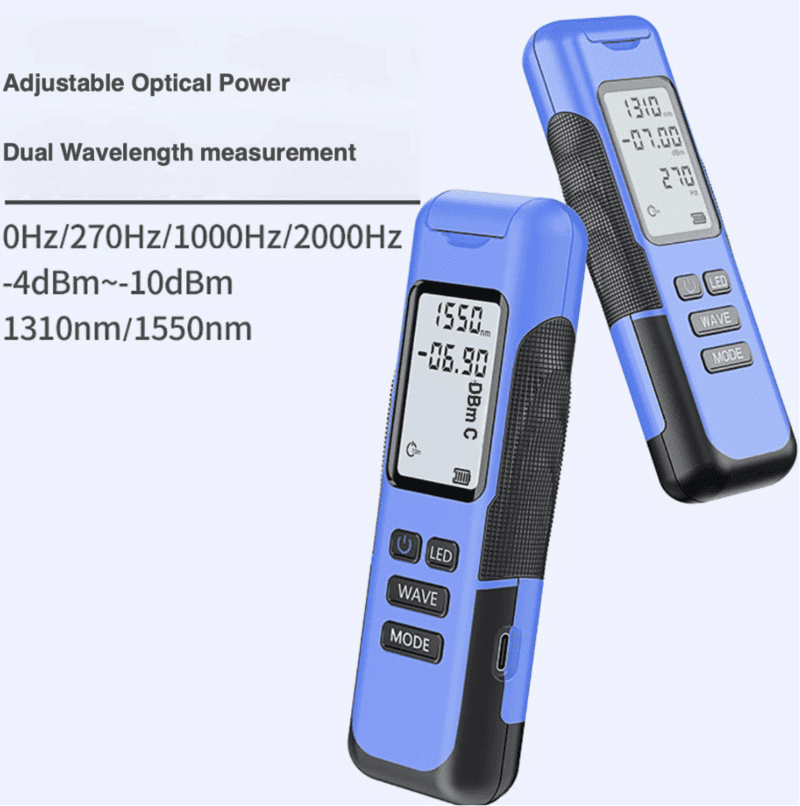
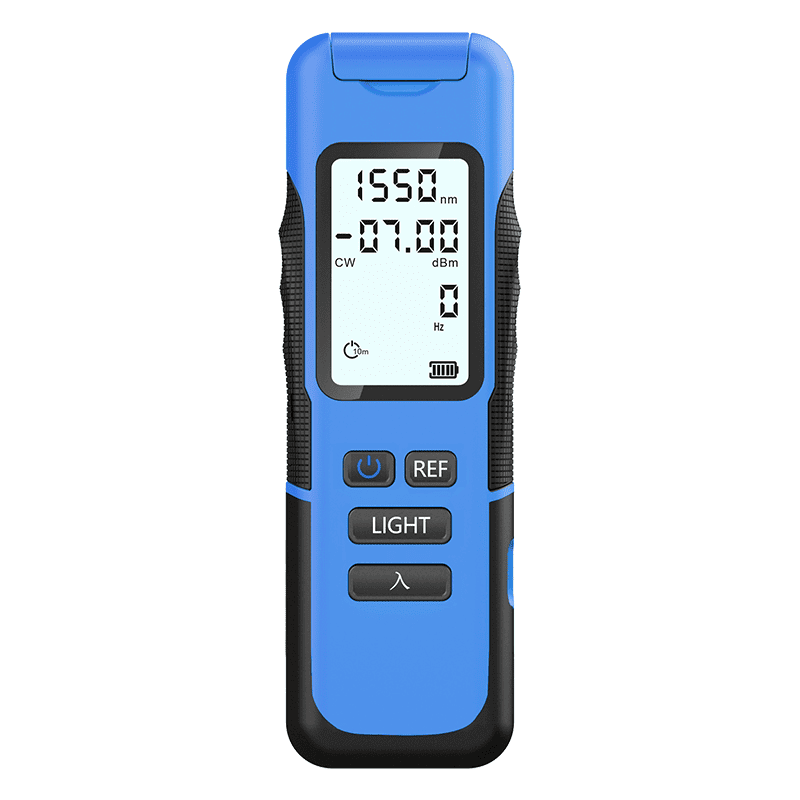
LFW2 / W2S Mini Stable Optical Light Source
LFW2-Y10: fixed-7 dBm;
LFW2S-Y10: adjustable -4 ~ -10 dBm
Share on





Dual-Wavelength Laser Light Source for Fiber Optic Testing & Engineering
The LFW2/LFW2S is a compact, handheld stable light source designed for single-mode fiber optic testing. It delivers 1310 nm and 1550 nm laser output as standard, with 1–4 wavelength configurations available on request. Built for reliability in the field, it's an ideal companion instrument for optical power meters during insertion loss testing, and a go-to tool for FTTx/FTTH installation, telecom network maintenance, and data center fiber engineering.
Key Features
- Auto power-off to conserve battery
- Wavelength memory — resumes last-used wavelength on restart
- Compatible with SC, FC, and ST connector interfaces
- Ultra-long standby/operating battery life
- One-key wavelength switching
- Optical path (frequency) modulation support
- LCD display shows real-time working wavelength and status
- High-stability multi-wavelength, single/multi-mode laser output
- CW (continuous wave) or modulated output modes
- USB charging support
Technical Specifications
Specifications are for reference only; the actual product shall prevail.
Operation Guide
Note: User-defined output power calibration and factory reset are exclusive features of the W2S model.
Standard Package Includes
- 1 × Main unit
- 1 × Product warranty card
- 1 × Certificate of conformity
- 1 × User manual
- 1 × Built-in rechargeable lithium battery
- 1 × USB charging cable
Charging
The unit uses a standard USB charging port. While powered on, the battery indicator flashes during charging and stops flashing once charging is complete.
Care & Maintenance
- Never look directly into the laser output port during operation — laser radiation can cause eye injury.
- Keep the sensor end face clean at all times. Avoid unclean or non-standard adapter connectors, and avoid inserting poorly polished ferrules, as this can damage the sensor face and introduce measurement error.
- Insert and remove adapter connectors carefully to avoid scratching the port.
- Always replace the dust cap when the device is not in use, to keep the end face clean and prevent measurement drift from airborne dust.
- After extended use, residue may build up on the internal sleeve of the optical output port, reducing output power. Clean with an alcohol swab; if this doesn't resolve the issue, contact the manufacturer.
- For any other malfunction, contact us promptly rather than disassembling the instrument. Devices that have been opened or repaired by unauthorized parties are not eligible for further service support.
Troubleshooting
Warranty
- Warranty period: 12 calendar months from the date of receipt, covering product quality and workmanship. Quality issues identified within this period will be repaired or replaced accordingly. In all cases, our liability is limited to the original purchase price of the product.
- If an issue cannot be resolved using the troubleshooting guidance above, please contact us directly — do not open the housing without authorization.
- Faults caused by product or material defects are repaired or replaced free of charge.
- This warranty applies only to instruments used under normal operating conditions. It does not cover damage from accidents, misuse, or unauthorized disassembly/repair; we reserve the right to decline warranty service in such cases.
Manual content is subject to change without prior notice. Version: V1.0
What is the W2/W2S optical light source used for?
What is the difference between W2 and W2S optical light source models?
Why are 1310 nm and 1550 nm important for a handheld optical light source?
Can the W2/W2S optical light source test insertion loss alone?
What should B2B buyers confirm before bulk ordering W2/W2S light sources?
To learn more about this product, you can submit your requirements here.
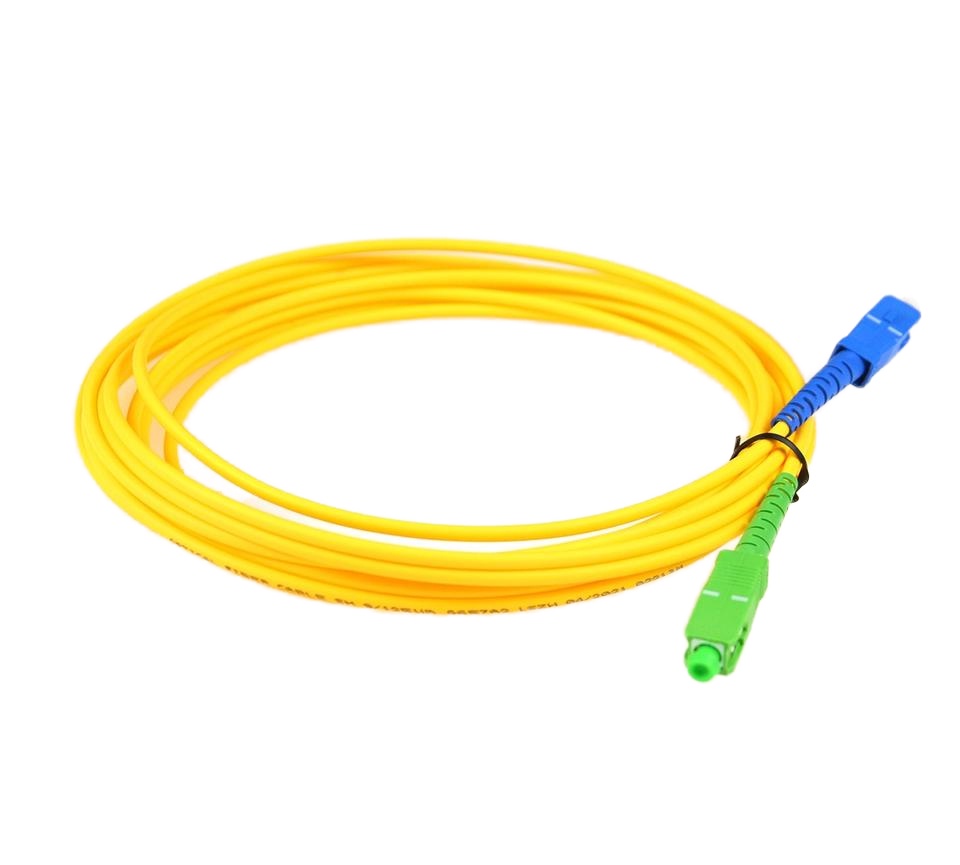
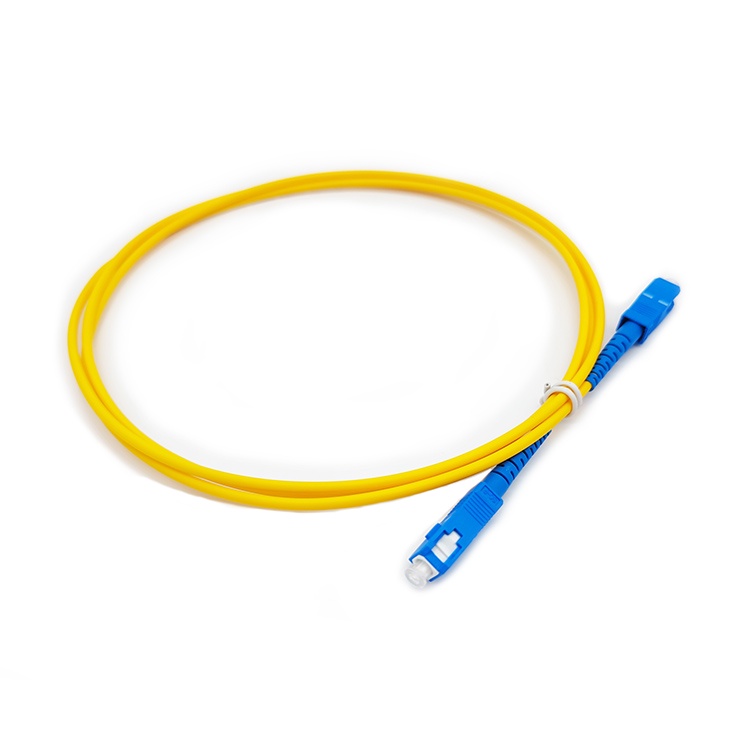
 LF005 Wholesale Optical Fiber Jumper Patch Cord Sc APC UPC 3M 2M 1M
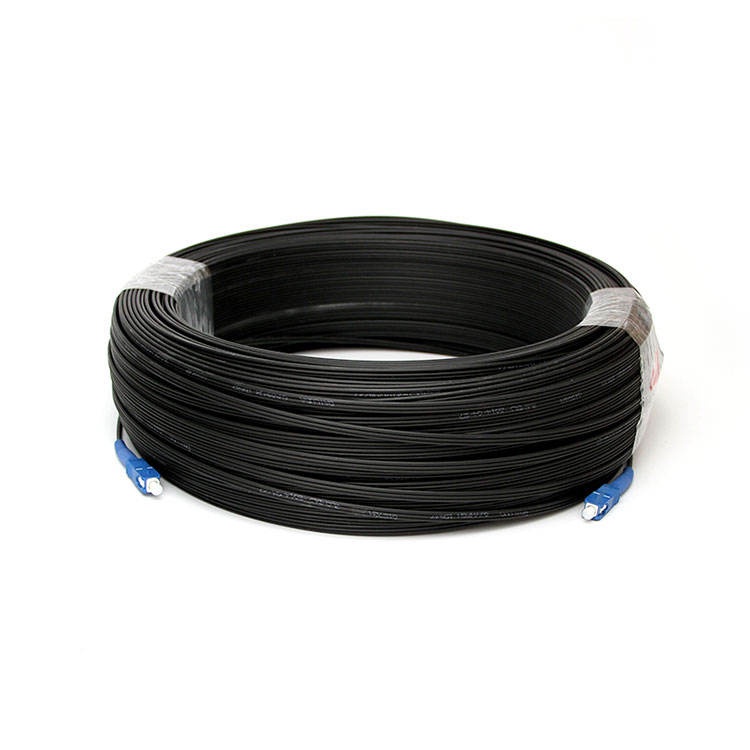
 LF001 Single Mode G.657A SC UPC to SC UPC FTTH Drop Cable Fiber Patch Cord
 LF012 PLC PON Fiber Optic Splitter SC/LC/FC/ST for FTTH Solutions
 LF016 Mini PLC Fiber Optic Splitter Blockless Series 1×2/1×4/1×8/1×16
 LF020 Splice Pigtailed PLC Splitter ABS Box Single Mode FTTH Optical Coupler
![LF028 LC SC FC fiber optic adapter flange coupler for single mode multimode links]() LF028 LC/SC/FC Fiber Optic Flange Connectors Single Mode Multimode Fiber Optic Coupler
LF028 LC/SC/FC Fiber Optic Flange Connectors Single Mode Multimode Fiber Optic Coupler LF031Fiber Optic Pigtail Single Core & 12 Core Bundle 0.9mm 1.5m G.652D Single Mode
 LF009 Multimode Fiber Patch Cords OM3 SC LC 50/125μm Low Insertion
 LF022 Custom Split Ratio Non-uniform FBT Fiber Splitter 1310/1550nm Dual Window Low Loss
 LF025 FTTH Fiber Optic Aircraft Fast Connector
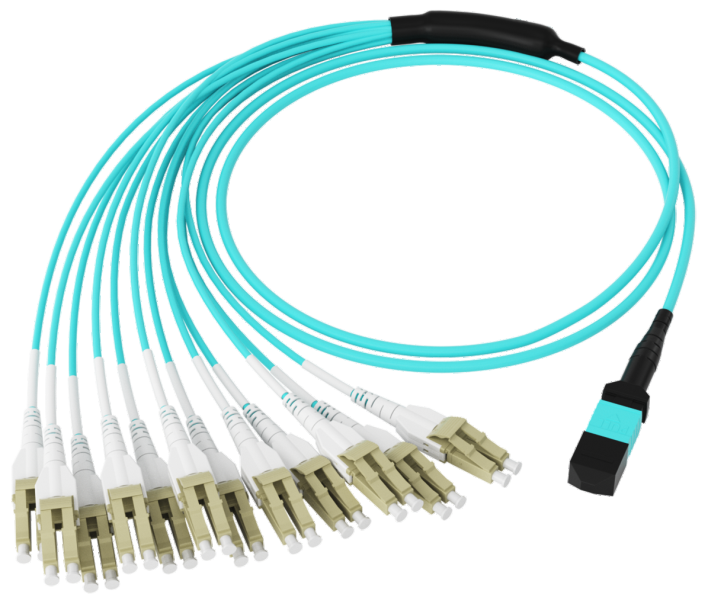
 LF104 High-Density MPO Patch Cable
 LF002 Single-mode Fiber Optic Patch Cord Simplex Duplex SC/FC/LC 2.0mm 3.0mm LSZH PVC

Professional Consultation
If you are interested in our products and would like to know more details, please leave a message here, and we will get back to you as soon as possible.


