


Products
‹
›
‹
›
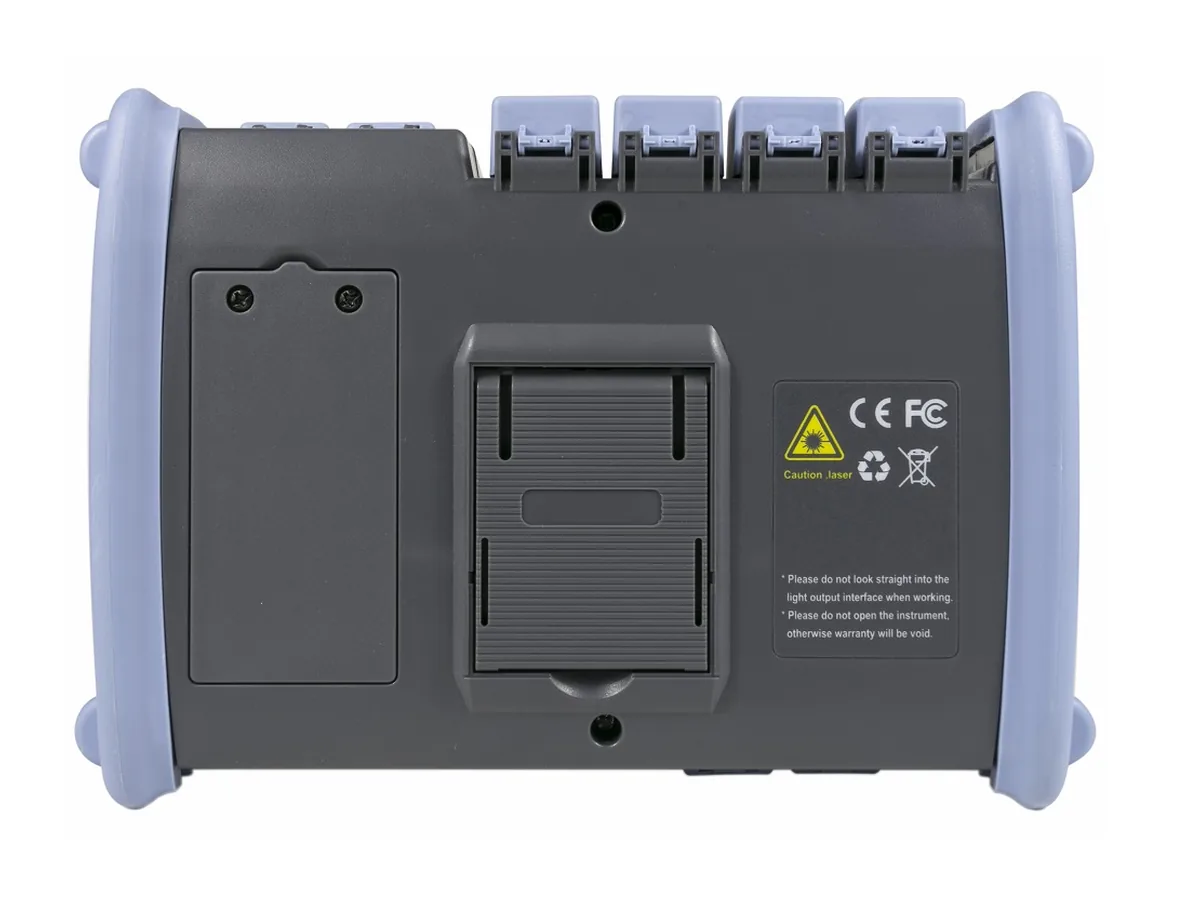
NK6800 MAX-OTDR Optical Time Domain Reflectometer
Share





NK6800 MAX-OTDR for Fiber Network Testing and B2B Supply
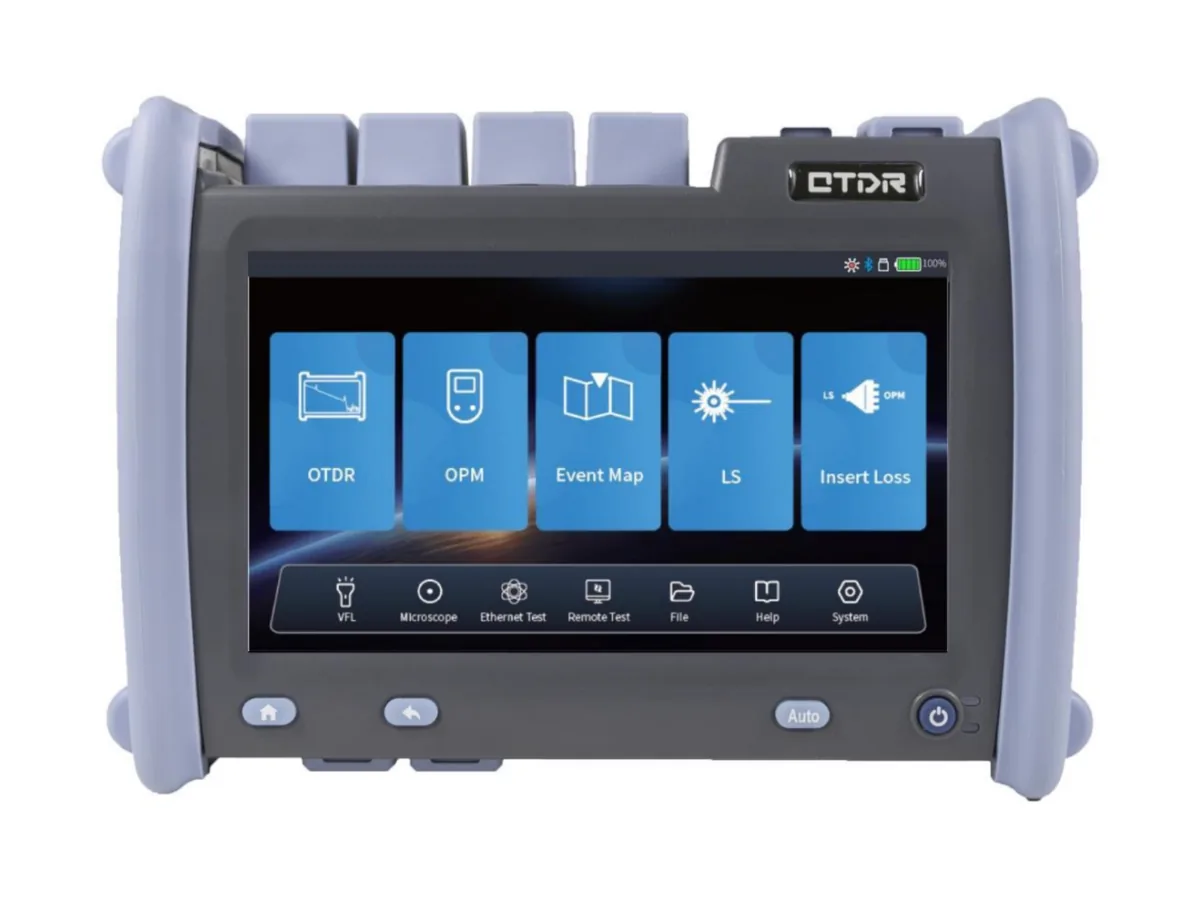
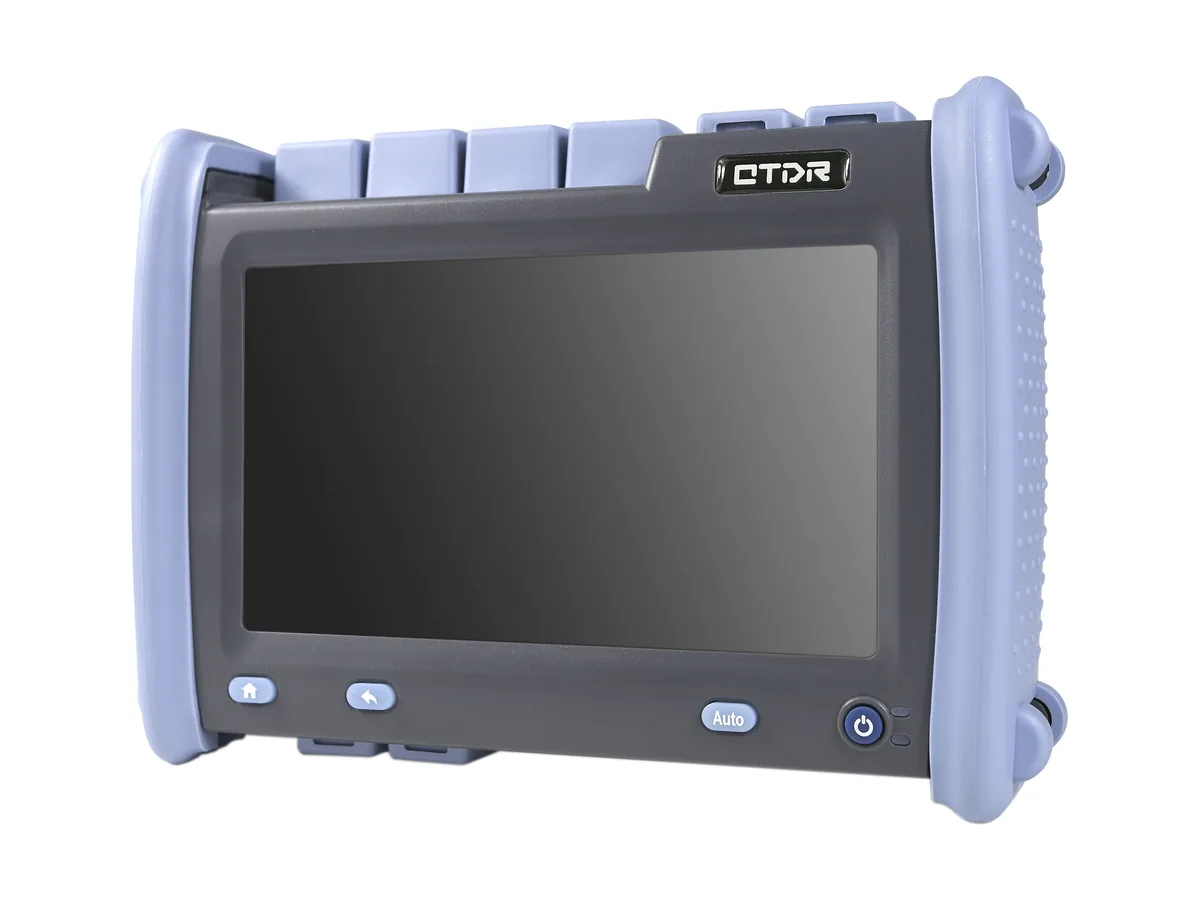
NK6800 MAX-OTDR is an optical time domain reflectometer series for locating fiber events and assessing link performance. LinkFiber helps distributors, resellers and procurement teams specify the configuration for their customers’ networks instead of buying on a single headline distance or dynamic-range figure.
Choose from single-mode, multimode and combined configurations. The series offers SOR trace files, PDF reporting and an event-map function. Maximum dynamic range and dead-zone specifications vary by configuration; the highest figure must not be applied to every instrument.
Choose the Configuration Before Comparing Prices
- Single-mode installation and maintenance: compare D0–D4 for 1310/1550 nm testing. Select dynamic range against the expected link losses, not route length alone.
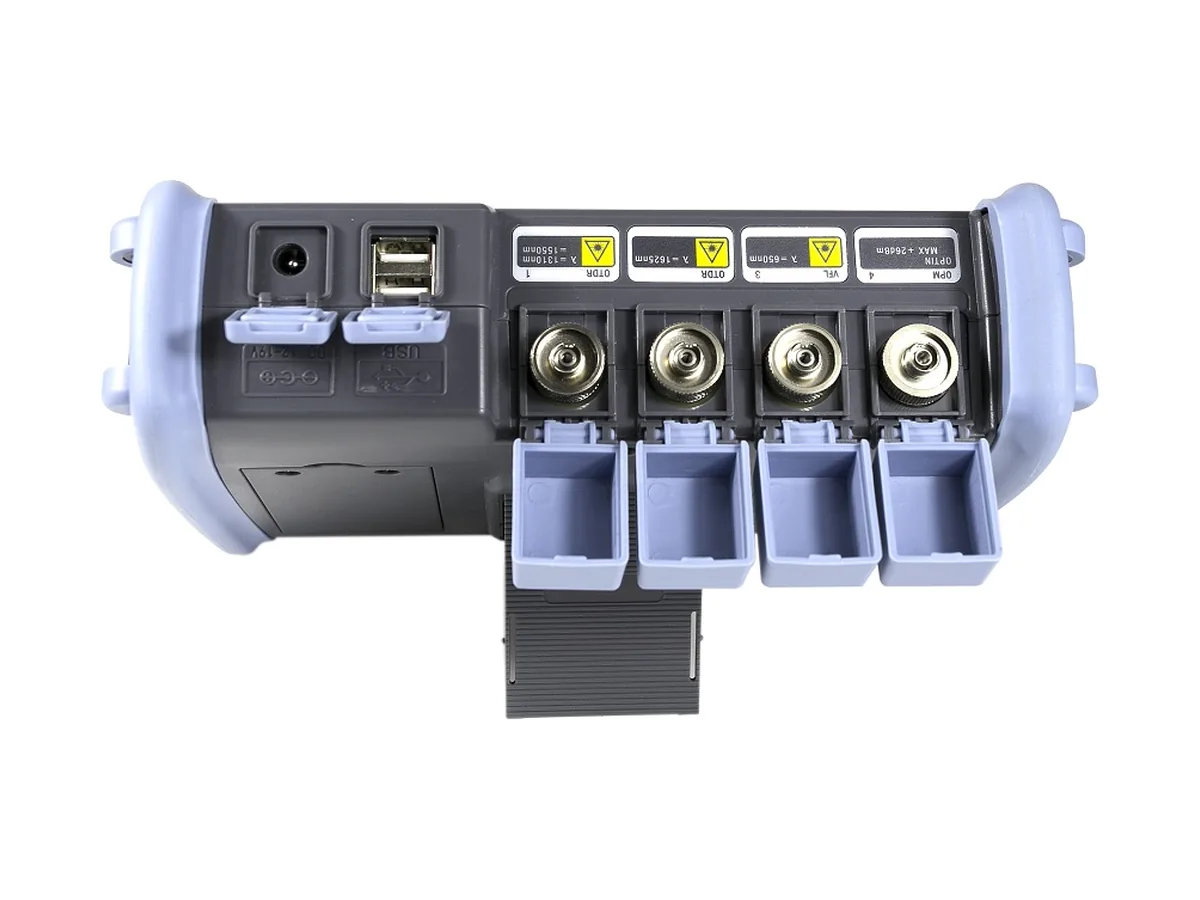
- Additional test wavelengths: T1–T4 and F1 provide different wavelength combinations. Confirm why the customer requires 1490, 1625 or 1650 nm before specifying one.
- Multimode and mixed-fiber projects: M1 provides 850/1300 nm; SM1 combines 850/1300/1310/1550 nm. A single-mode-only configuration does not replace a multimode OTDR.
- PON testing: the overview lists support up to a 1:64 split. Confirm configuration suitability against splitter stages, total loss and the measurement required.
Technical Specifications: NK6800 Configuration Comparison
Dynamic-range values below follow the wavelength order in the same row. SM = single-mode; MM = multimode. The configuration codes are retained from the supplied specification.
Technical Specifications: Measurement and Platform
Specification notes: Numerical values are retained from the referenced specification. Its overview states internal storage greater than 12 GB, while its technical table states ≥12 GB; the table value is reproduced above. “CLoss accuracy” and “Reflection accuracy” retain their source labels because their measurement definitions are not provided. Confirm definitions and test conditions before using them as contractual acceptance limits. Listed host functions do not establish which probes, software options or accessories are included in a quotation.
B2B Buyer Guide: Avoid an Incorrect OTDR Specification
Do not confuse range with reach. The 420 km setting is a measurement-window option, not proof that a particular link can be characterized at that distance. Wider pulses can improve usable range but make closely spaced events harder to resolve. Compare instruments at agreed acquisition settings.
Do not confuse a maintenance wavelength with live-fiber protection. A 1625 or 1650 nm option does not by itself prove an appropriately filtered live-test port. Obtain written confirmation of filtering, input-power limits and network compatibility before testing an active fiber.
Plan for the first and last connectors. Specify suitable launch and receive fibers when connector loss at the ends of a link must be assessed. Match fiber type, connector polish and length to the test setup; do not directly mate UPC and APC connectors.
Separate fault location from acceptance requirements. An OTDR trace helps locate and analyze events. Where a project requires end-to-end insertion-loss testing, agree a suitable light-source/power-meter procedure as well; an OTDR result alone does not replace every acceptance test.
Remote Verification Before a Distributor Order
- Identify the exact configuration, serial number, wavelengths and supplied accessories in the quotation.
- Request a continuous test video on a documented reference link, including the instrument identity, connections and acquisition settings.
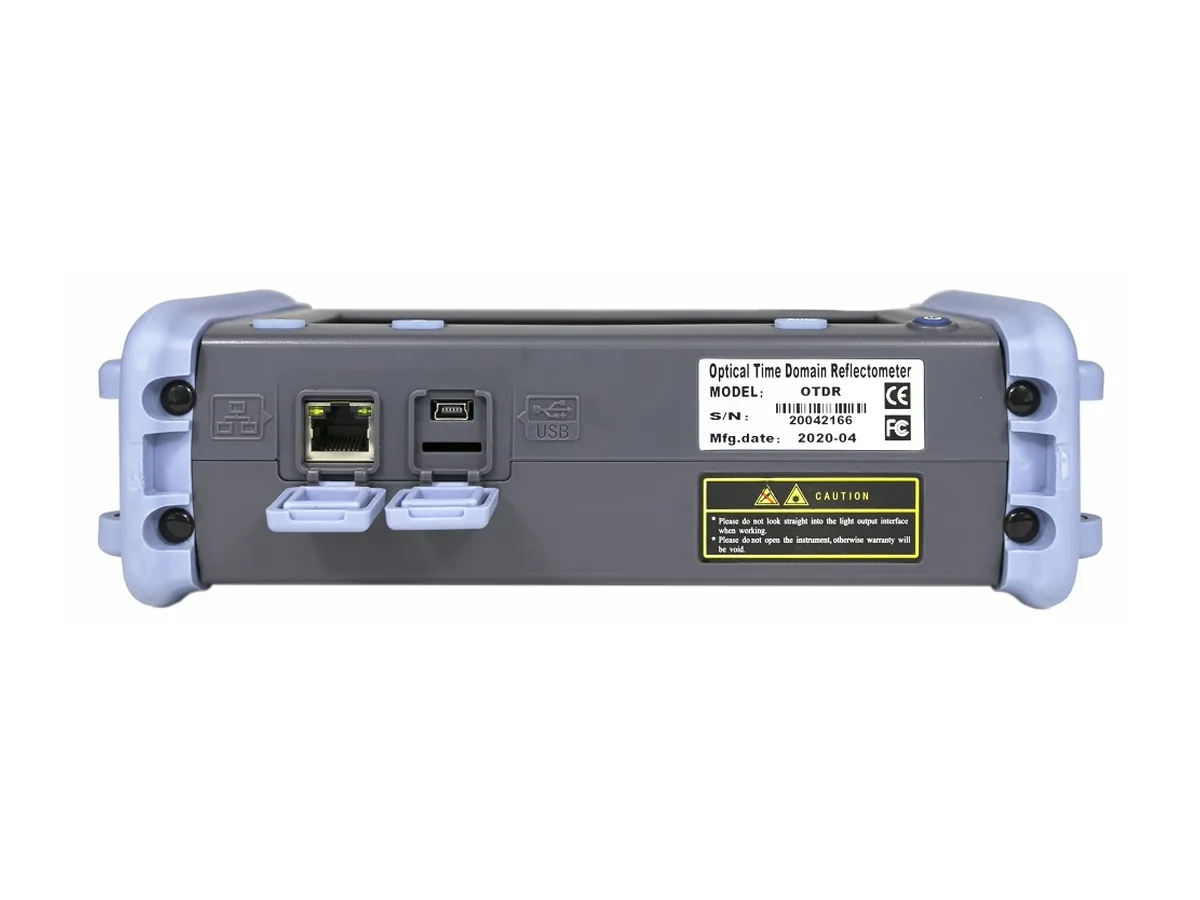
- Request the original SOR trace and corresponding PDF report. Compare the recorded wavelength, test settings and event positions with the agreed setup.
- Agree pass/fail criteria and any required calibration documents before shipment. For a first order, discuss an evaluation unit before a larger purchase.
This evidence-based process helps buyers compare like-for-like configurations and reduce disputes caused by incomplete specifications. It does not replace independent acceptance testing or calibration.
Quotation, Samples, Lead Time and Packing
Send LinkFiber your required configuration, quantity, destination and typical customer applications. Minimum order quantity, evaluation-unit availability, lead time, carton/case contents, calibration documentation and warranty arrangements are subject to the agreed quotation. Cable-order minimums expressed in kilometres do not apply to this instrument.
For a comparable quotation, include fiber type; wavelengths; approximate link length and loss budget; splitter topology; whether the network is active; connector type; reporting requirements; and launch-fiber or inspection-accessory needs.
Related Fiber Testing Equipment
- Compare OTDR testers for different fiber-network applications.
- OTDR launch cable boxes for appropriate launch and receive setups.
- Explore fiber optic testing tools for complementary measurement tasks.
Contact LinkFiber with your configuration list and quantity for a project-specific quotation.
Which NK6800 MAX-OTDR configuration should distributors quote for single-mode fiber testing?
Does the NK6800 MAX-OTDR measure every fiber link up to 420 km?
Can the NK6800 MAX-OTDR test both single-mode and multimode fiber?
Can the NK6800 MAX-OTDR test through a 1:64 PON splitter?
Are the NK6800 MAX-OTDR 1625 nm and 1650 nm configurations suitable for live-fiber testing?
How can overseas buyers verify an NK6800 MAX-OTDR before shipment?
What is the difference between the NK6800 MAX-OTDR event and attenuation dead zones?
What should an NK6800 MAX-OTDR distributor purchase order include?
To learn more about this product, you can submit your requirements here.
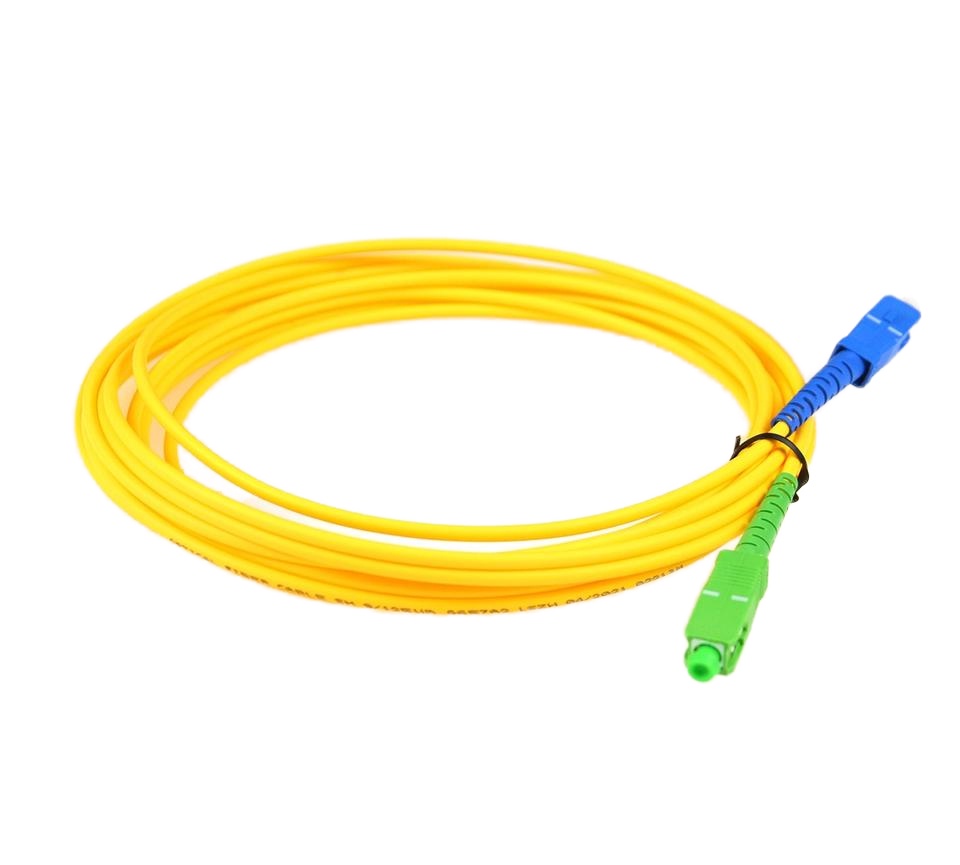
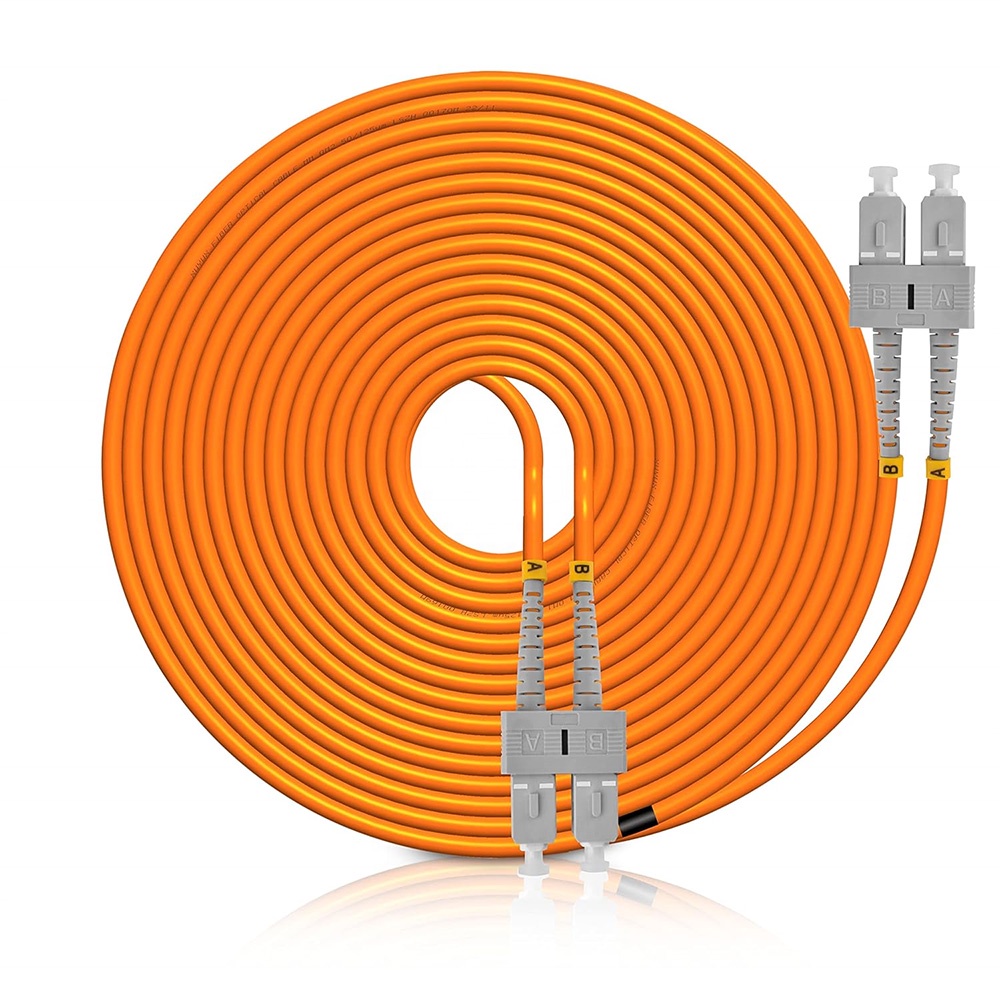
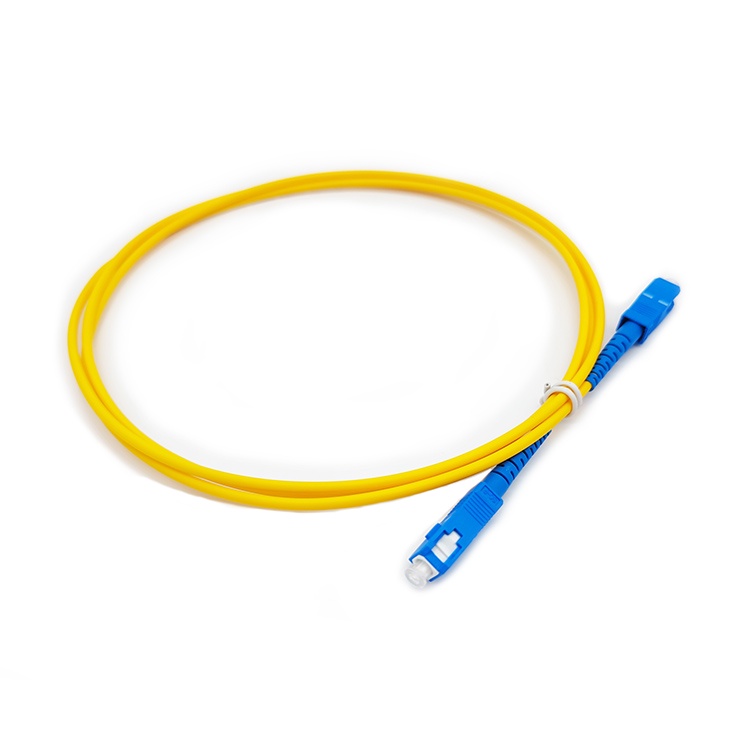
 LF005 Wholesale Optical Fiber Jumper Patch Cord Sc APC UPC 3M 2M 1M
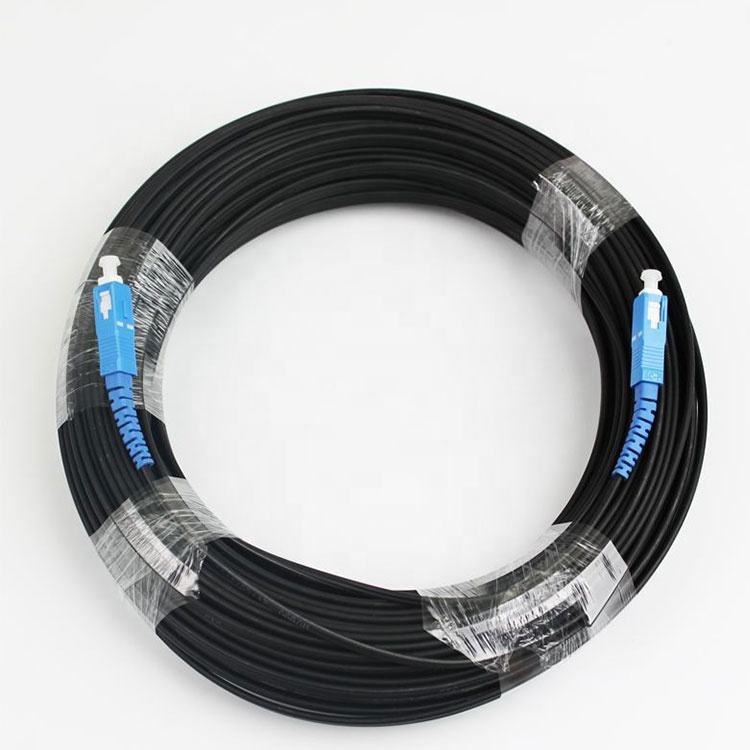
 LF001 G.657A2 Outdoor Drop Cable
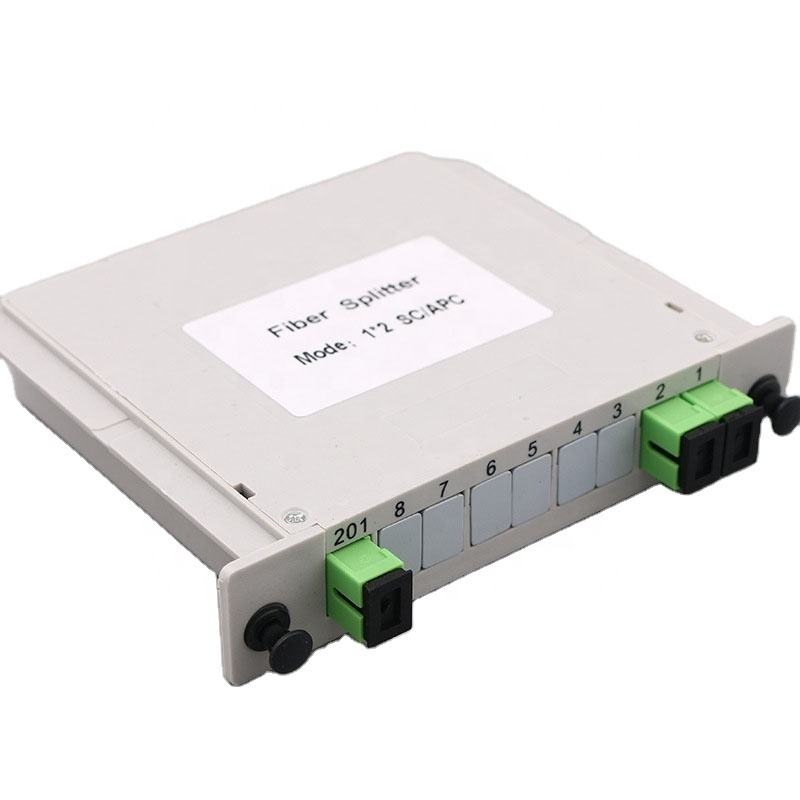
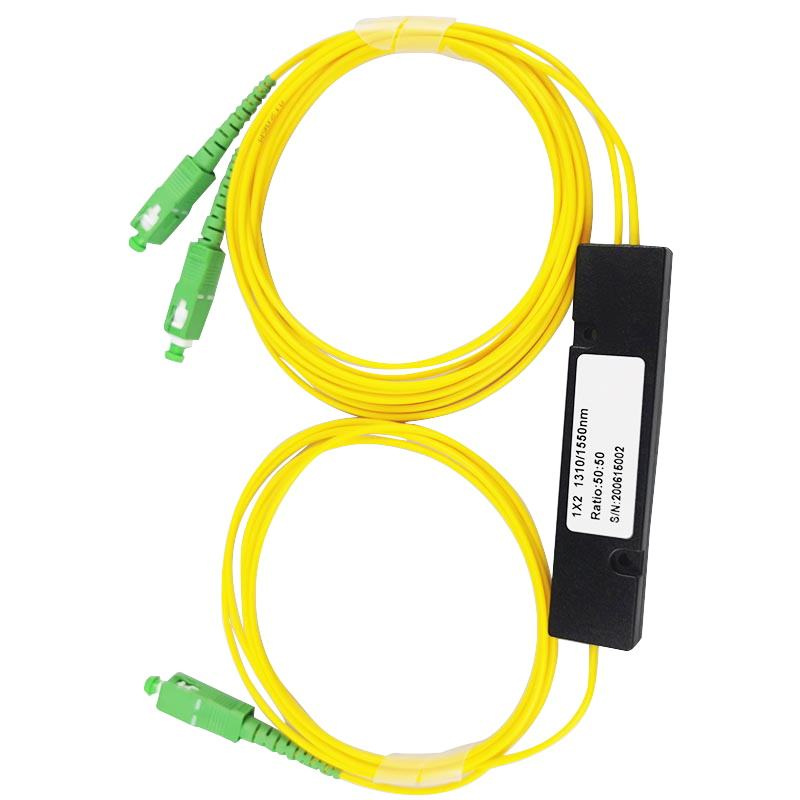
 LF012 PLC PON Fiber Optic Splitter SC/LC/FC/ST for FTTH Solutions
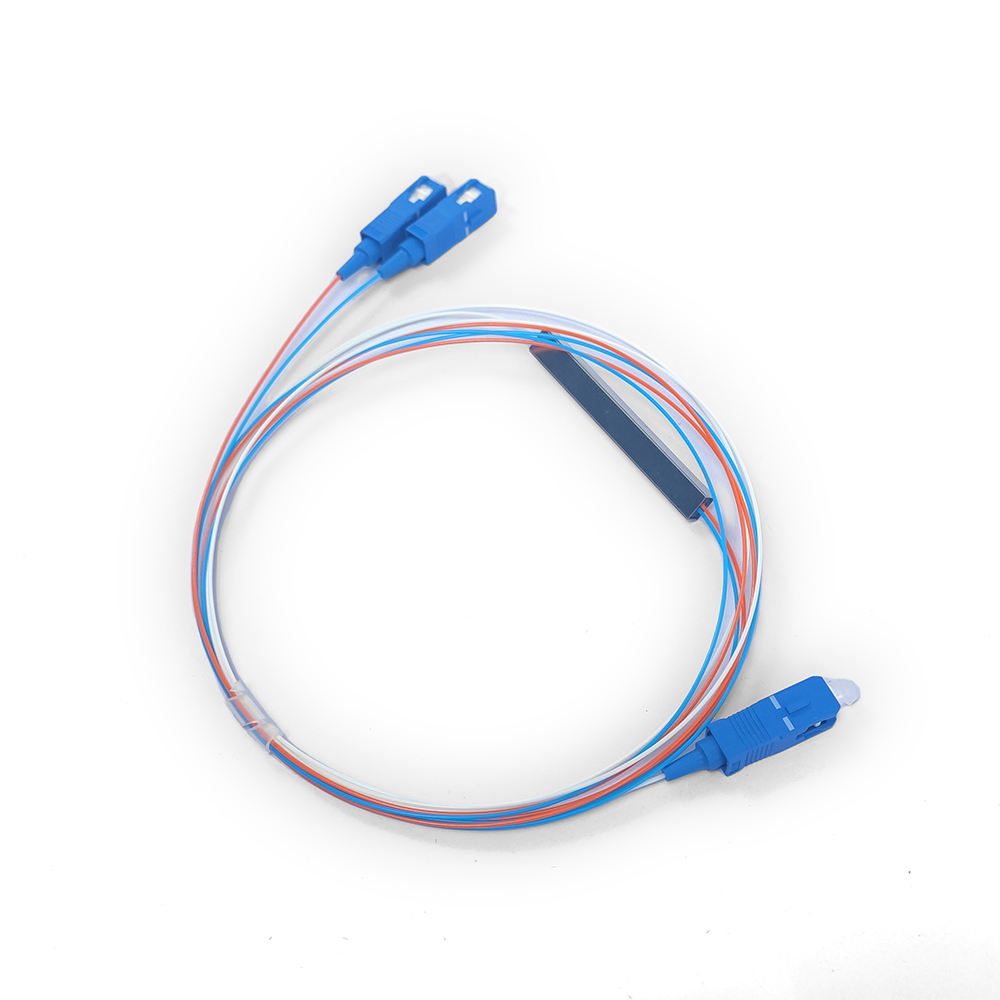
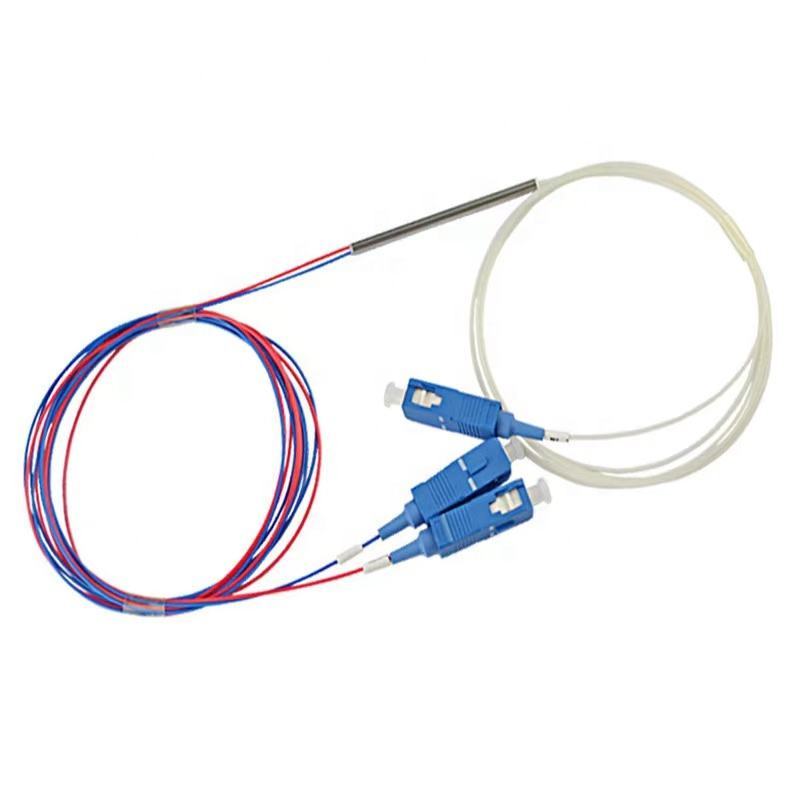
 LF016 Mini PLC Fiber Optic Splitter Blockless Series 1×2/1×4/1×8/1×16
 LF020 Fiber Optic Tapered ABS Box Splitter
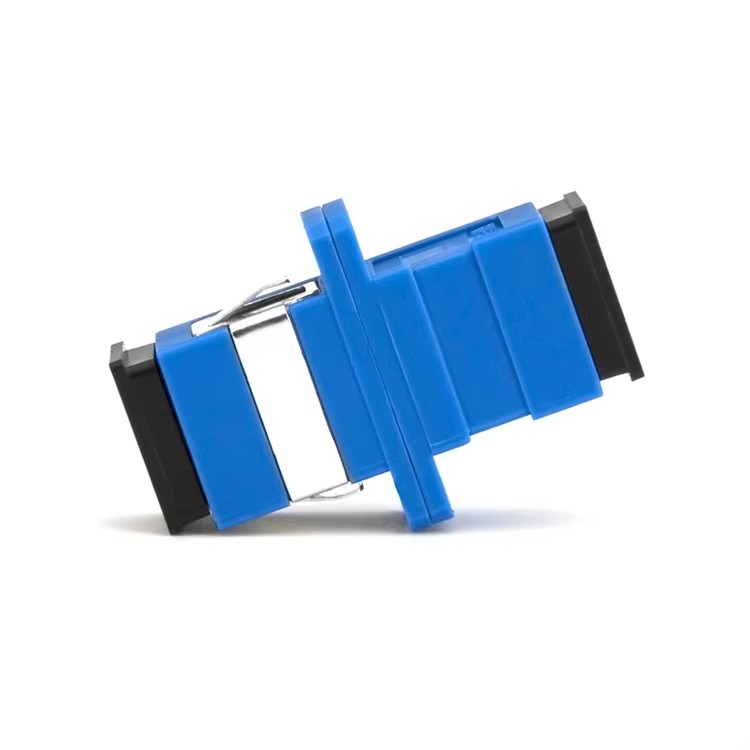
![LF028 LC SC FC fiber optic adapter flange coupler for single mode multimode links]() LF028 LC/SC/FC Fiber Optic Flange Connectors Single Mode Multimode Fiber Optic Coupler
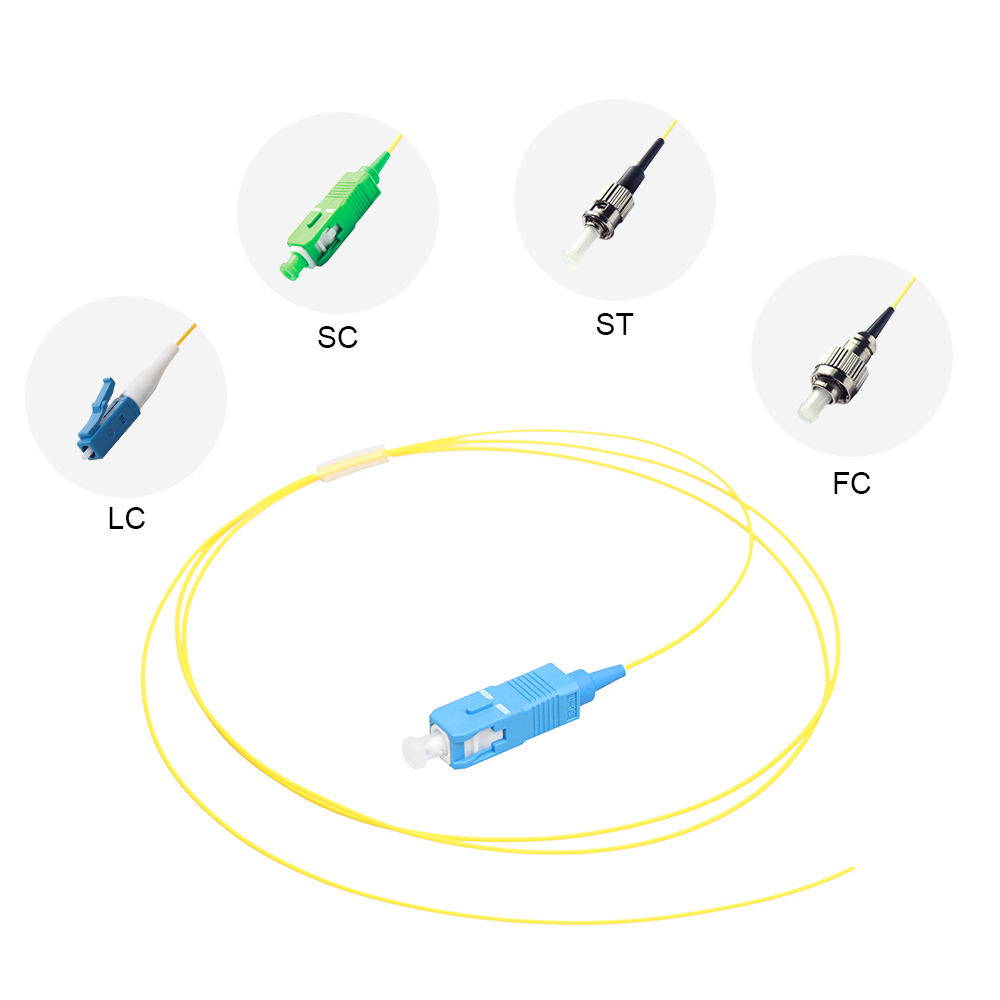
LF028 LC/SC/FC Fiber Optic Flange Connectors Single Mode Multimode Fiber Optic Coupler LF031Fiber Optic Pigtail Single Core & 12 Core Bundle 0.9mm 1.5m G.652D Single Mode
 LF009 Multimode Fiber Patch Cords OM3 SC LC 50/125μm Low Insertion
 LF022 Custom Split Ratio Non-uniform FBT Fiber Splitter 1310/1550nm Dual Window Low Loss
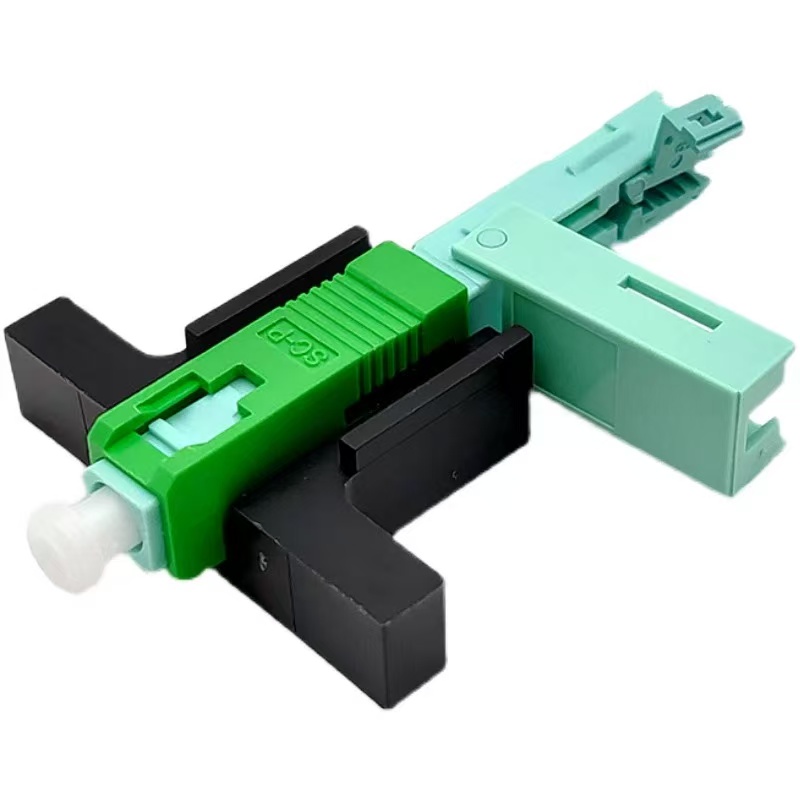
 LF025 FTTH Fiber Optic Aircraft Fast Connector
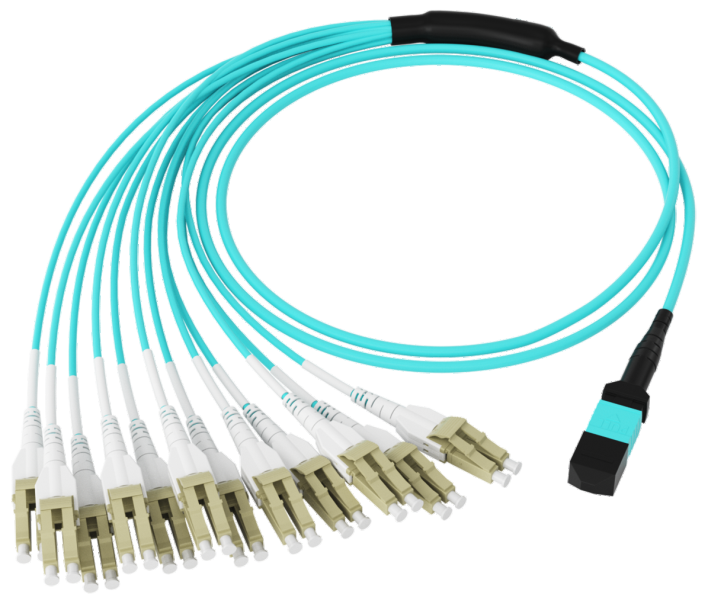
 LF104 High-Density MPO Patch Cable
 LF002 Single-mode Fiber Optic Patch Cord Simplex Duplex SC/FC/LC 2.0mm 3.0mm LSZH PVC
Professional Consultation
If you are interested in our products and would like to know more details, please leave a message here, and we will get back to you as soon as possible.